 JHR Tech Ltd
In pictures
What it looks like
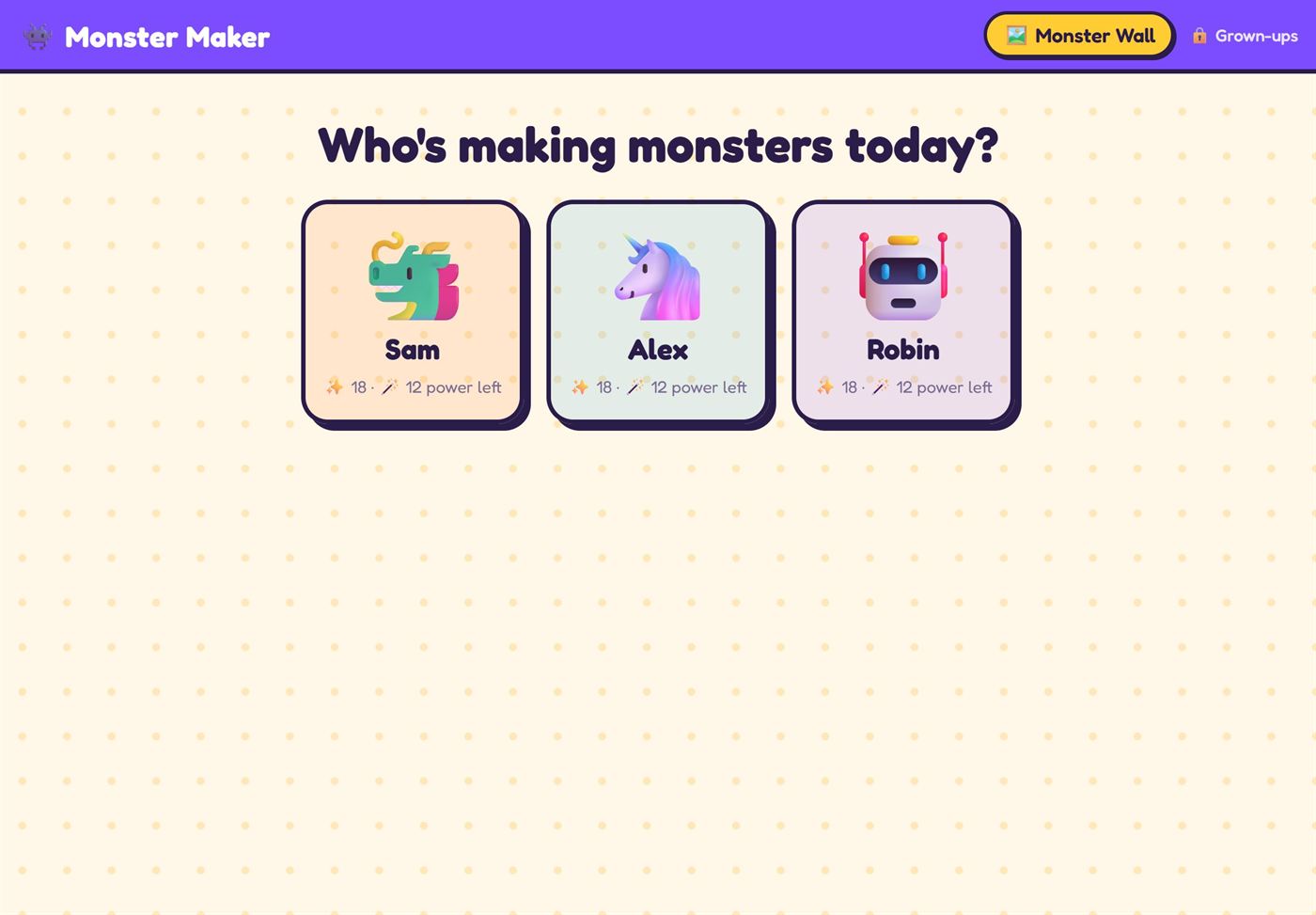
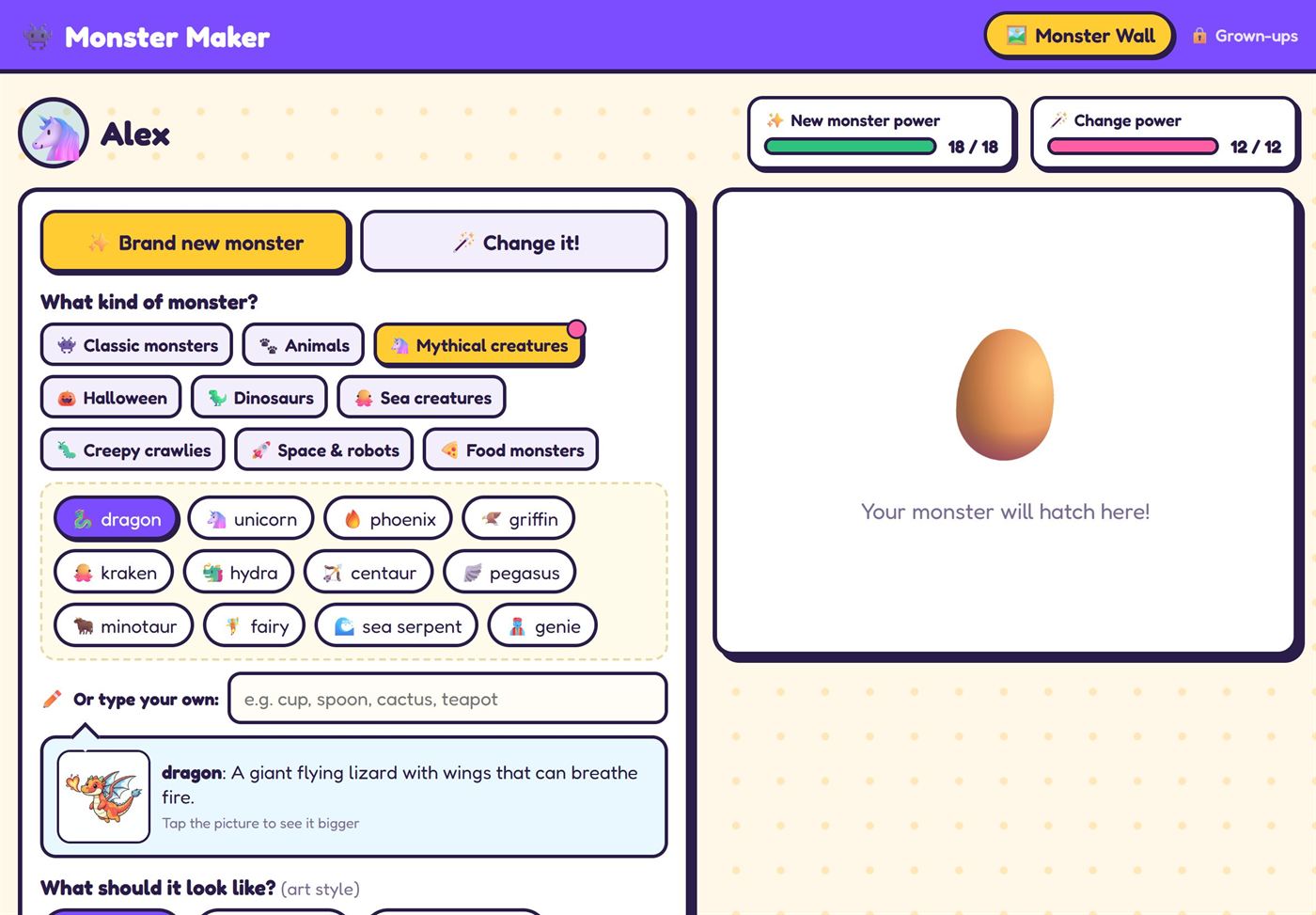
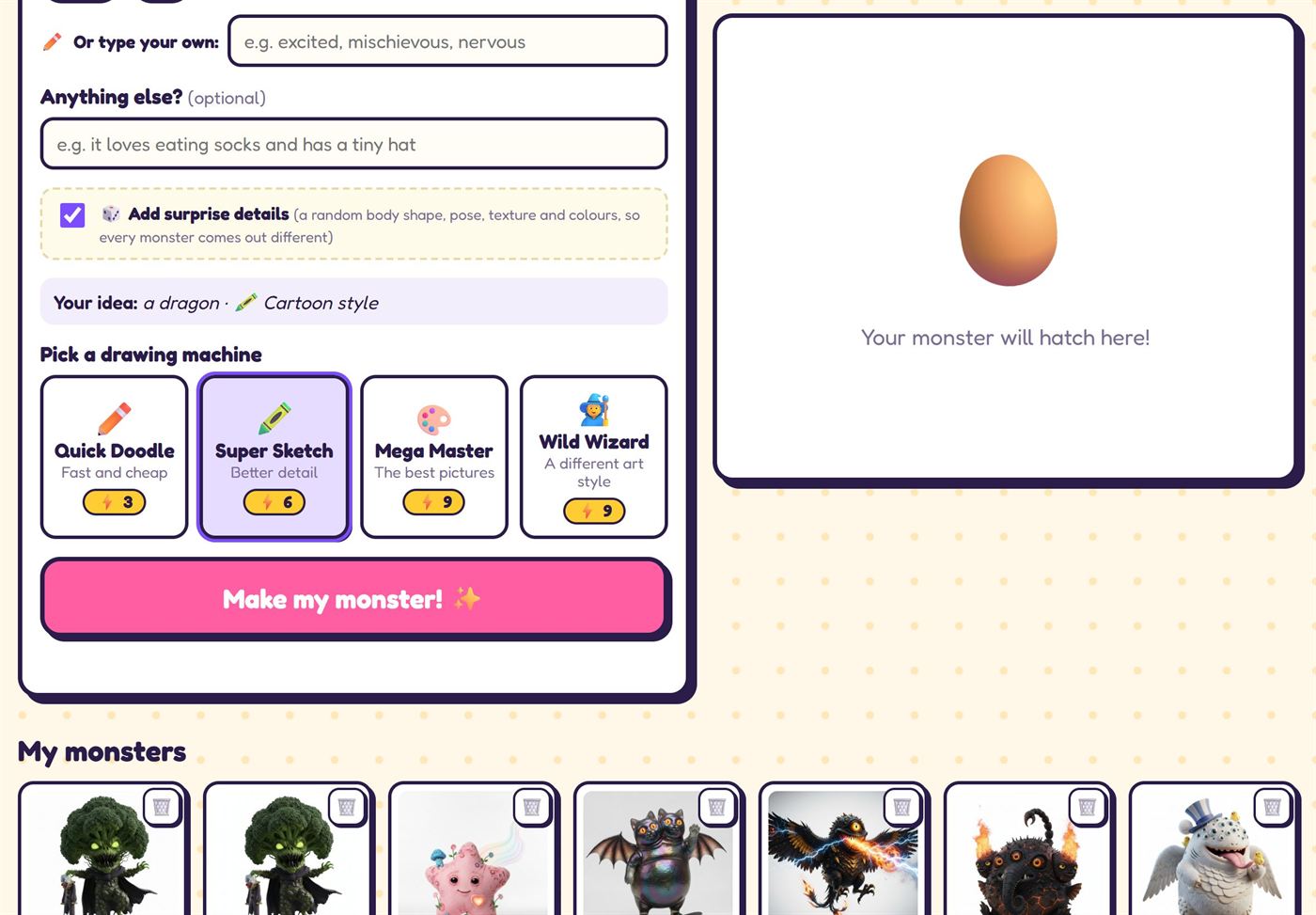
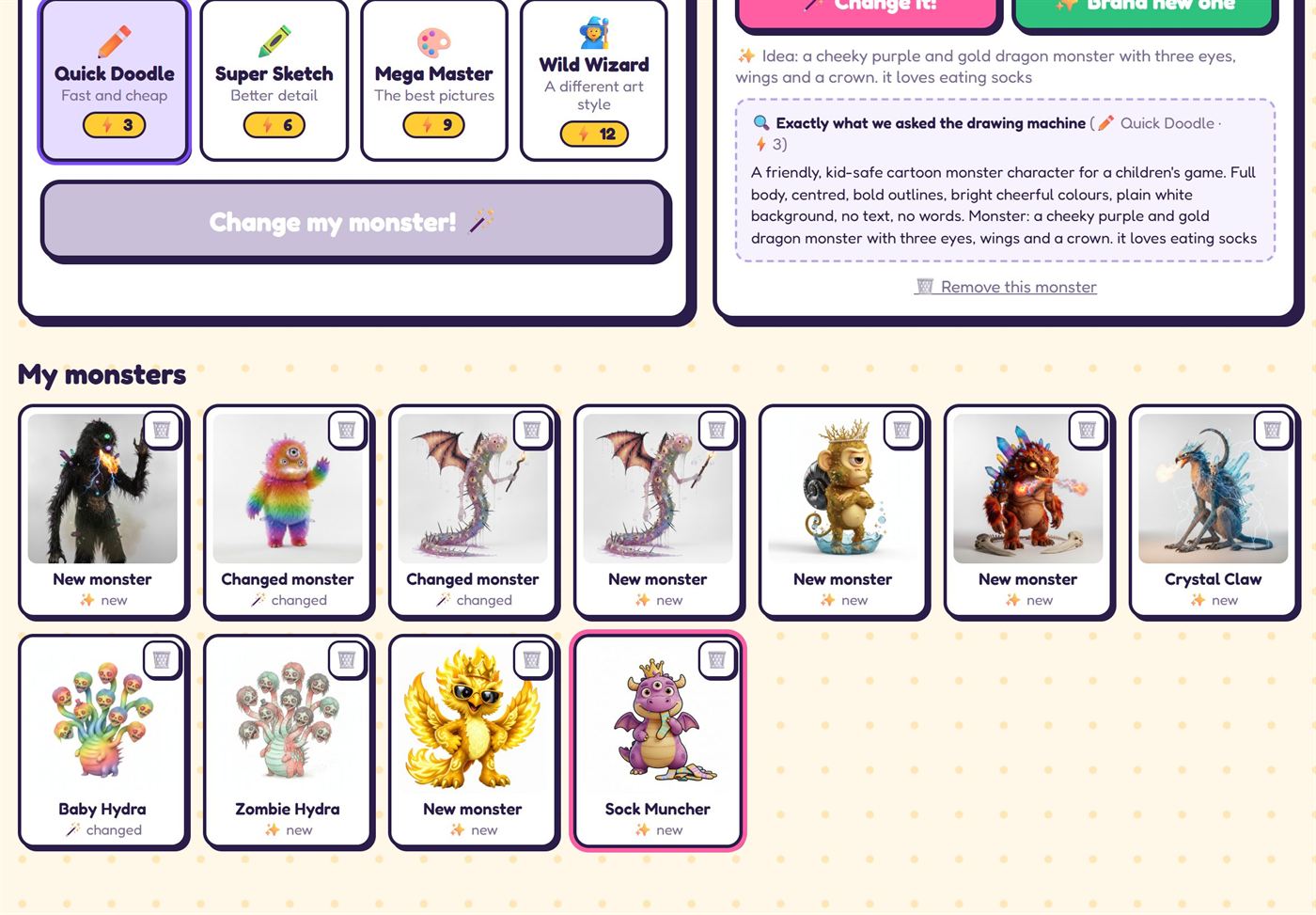
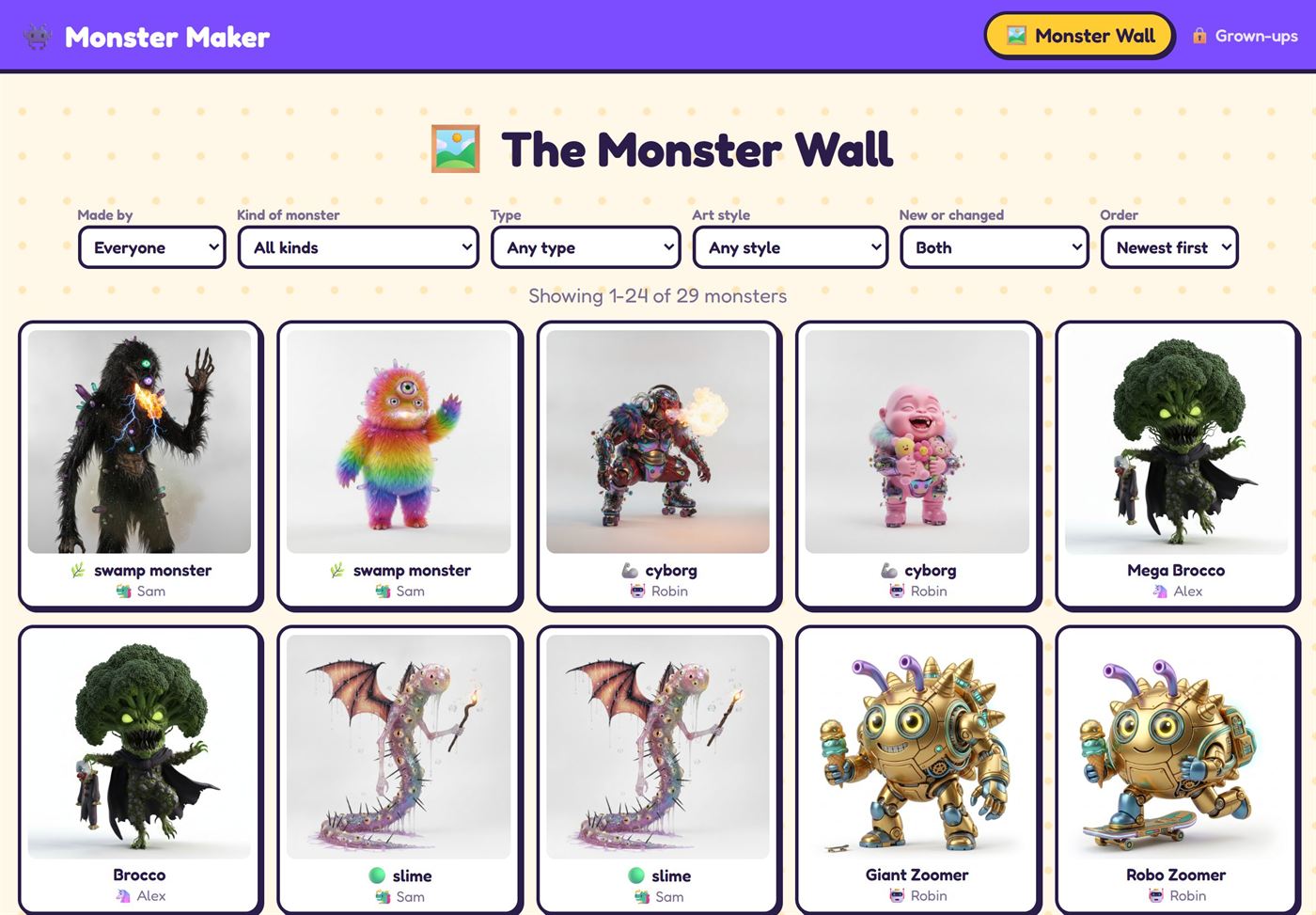
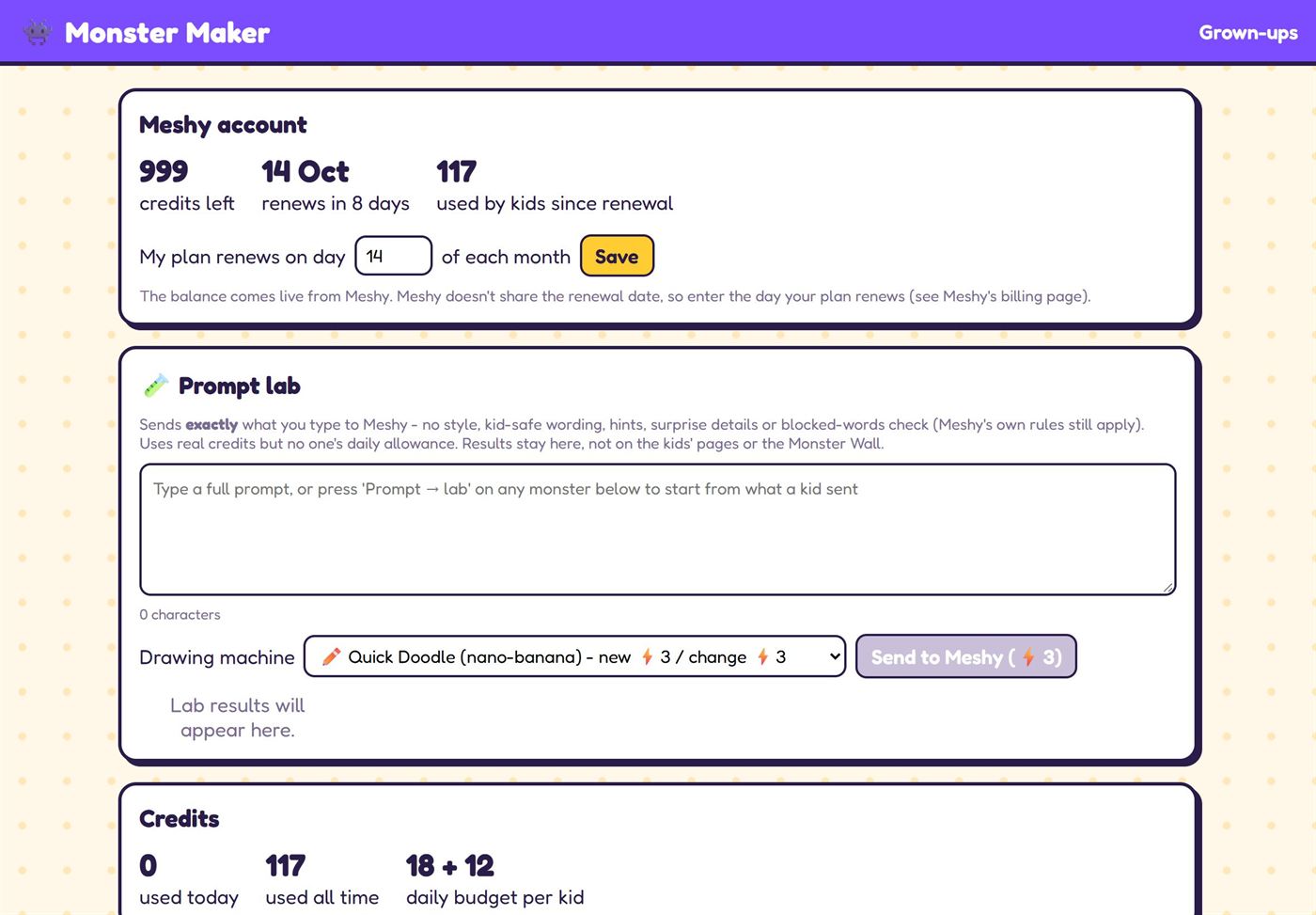
Screenshots on a tablet and a phone. They were taken on a demo copy with made-up profiles (Sam, Alex and Robin) and no real names; the monsters are real results. Tap any screenshot to see it full size.
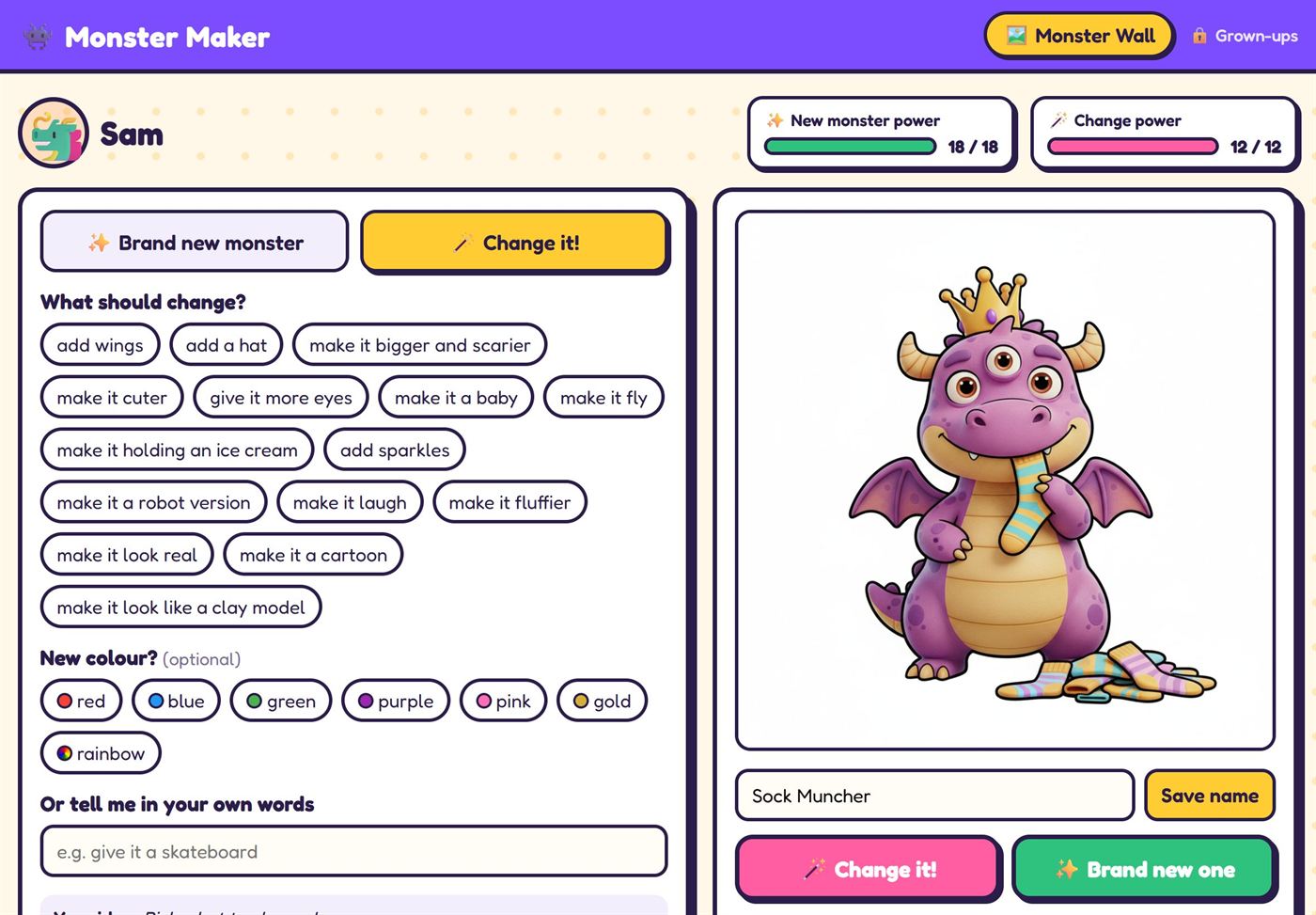
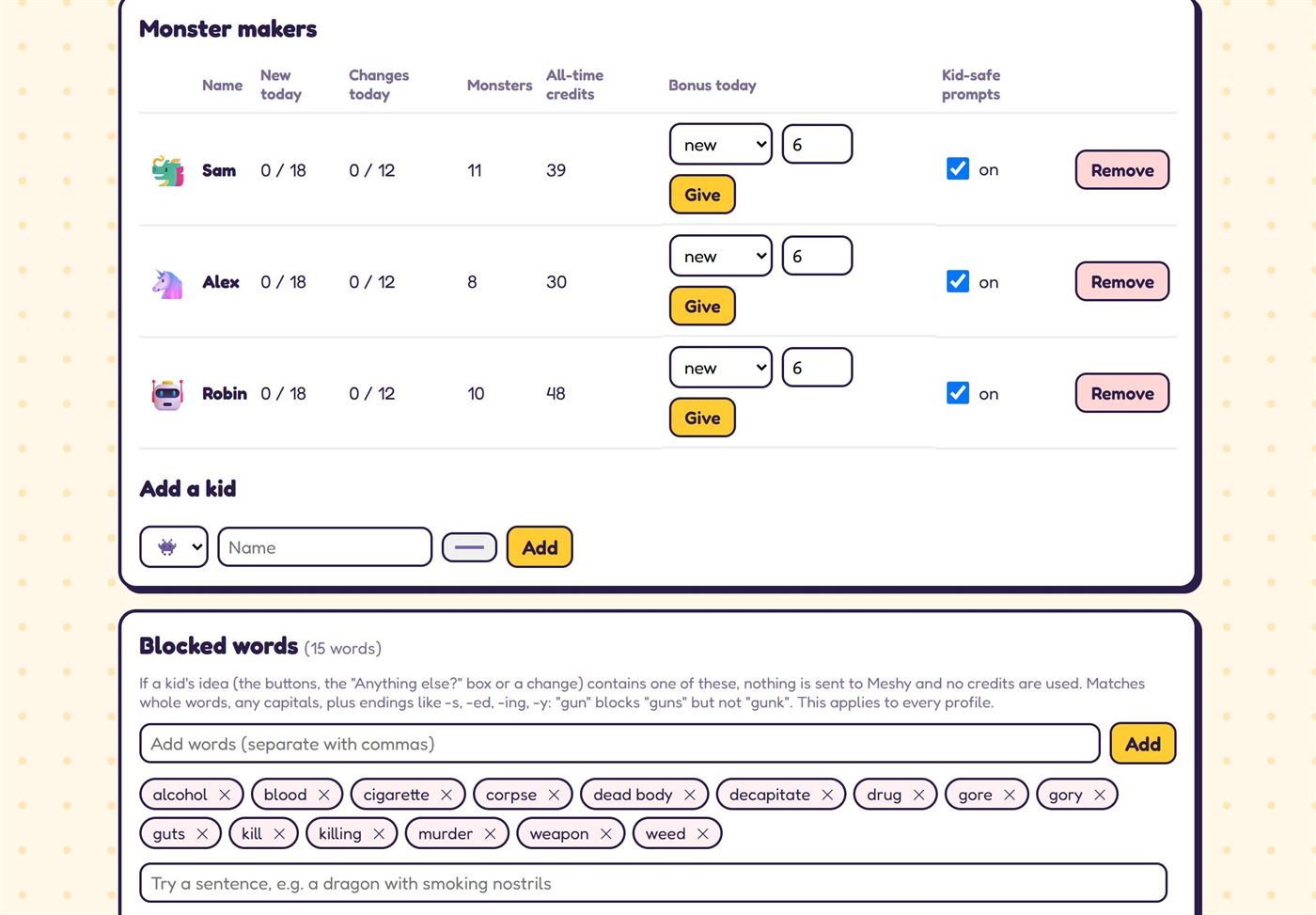
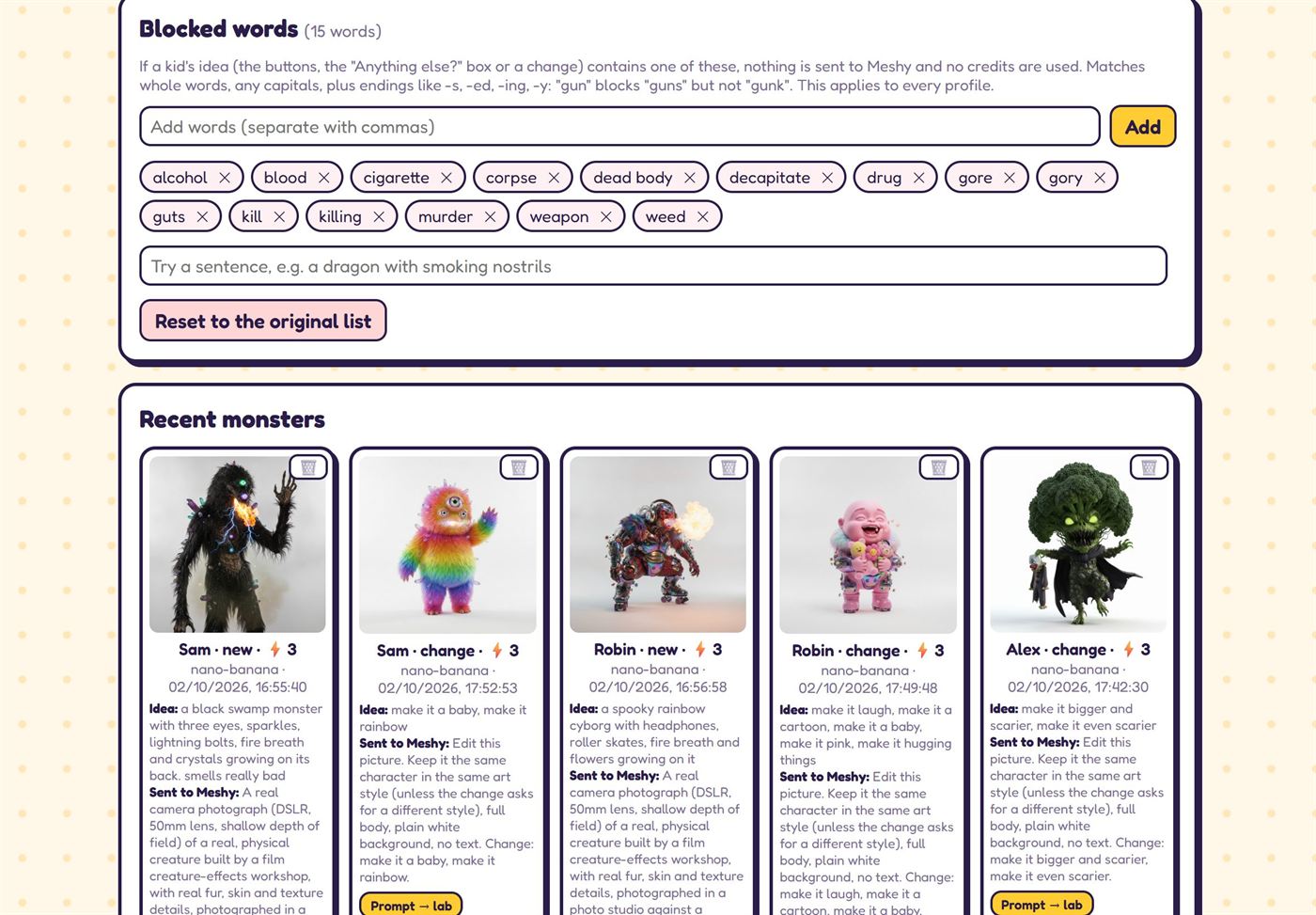
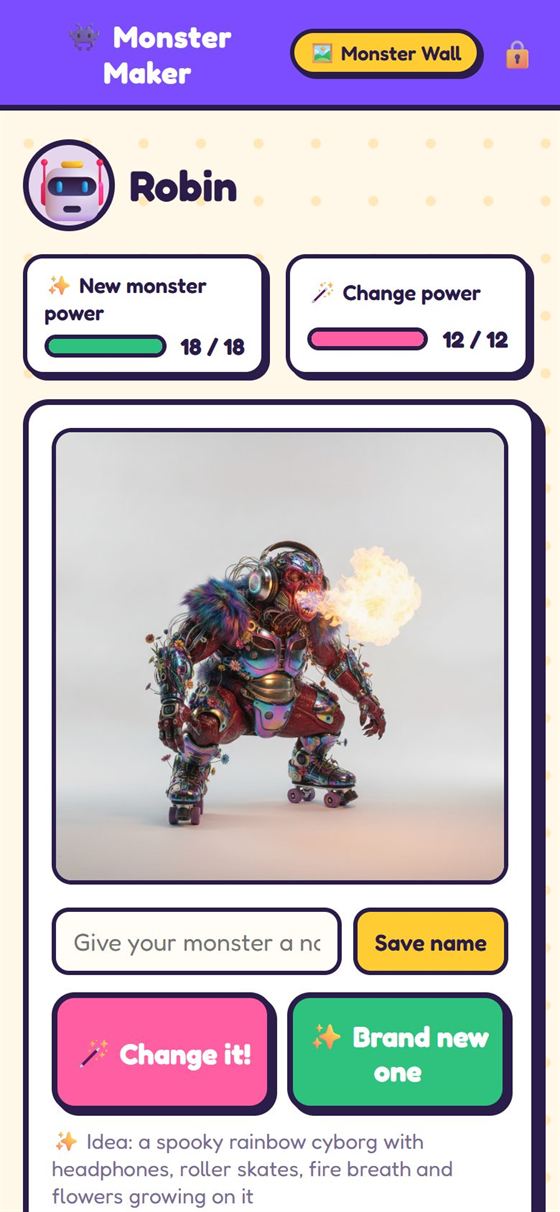
On a phone too
The same pages rearrange themselves for a phone, so any tablet, phone or laptop on the home Wi-Fi can be used to make monsters.
Monsters made
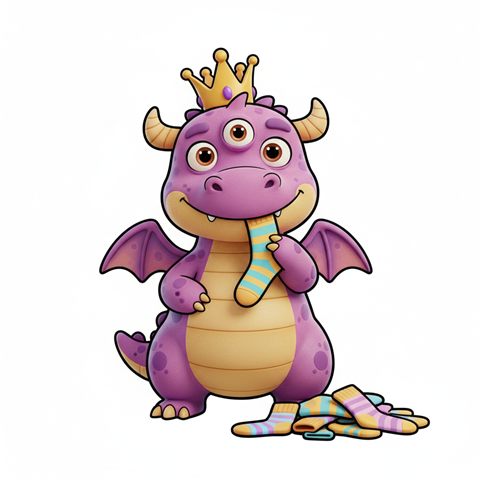
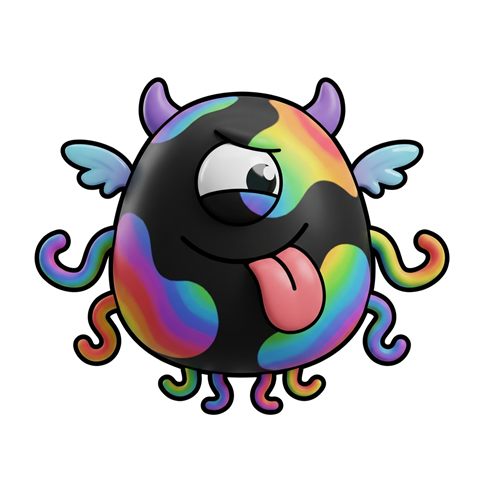
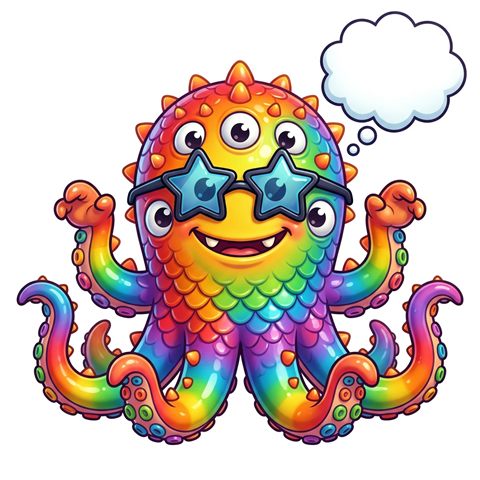
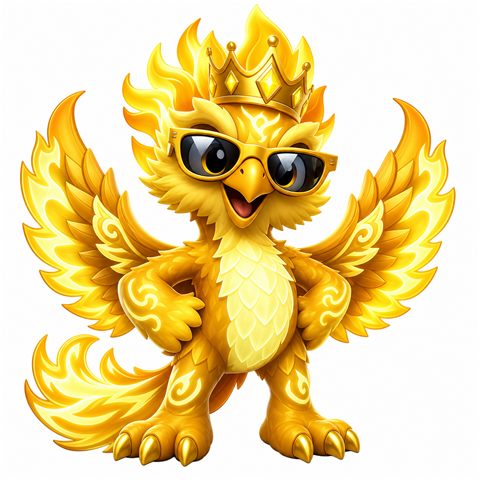
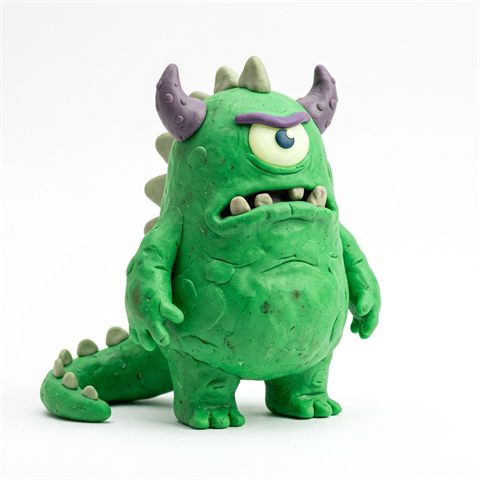
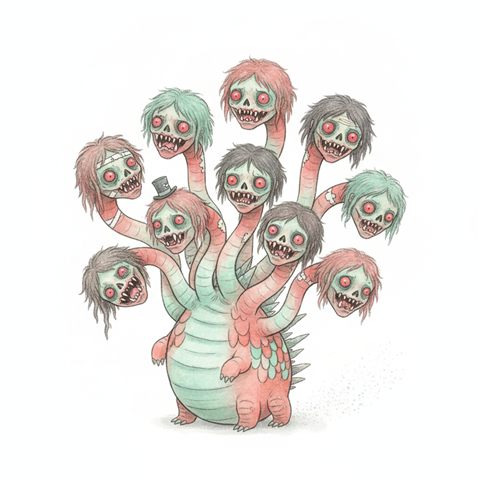
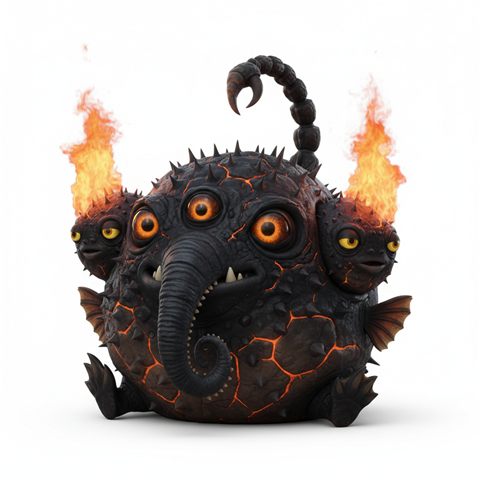
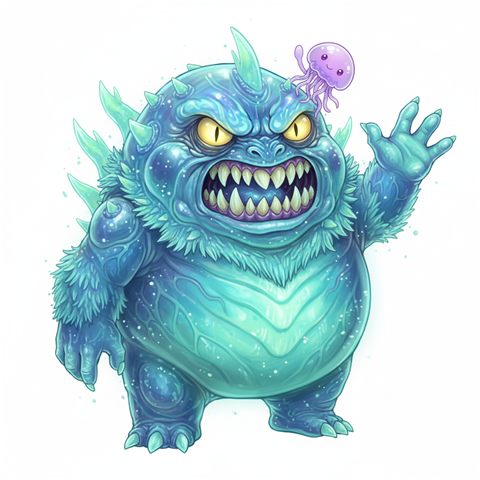
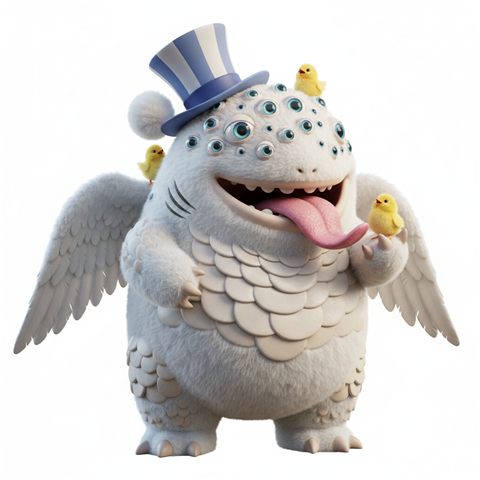
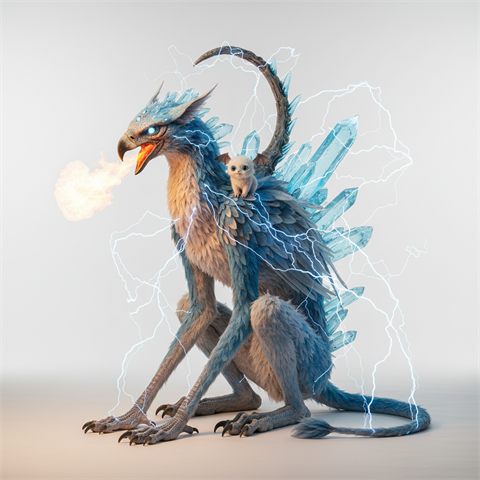
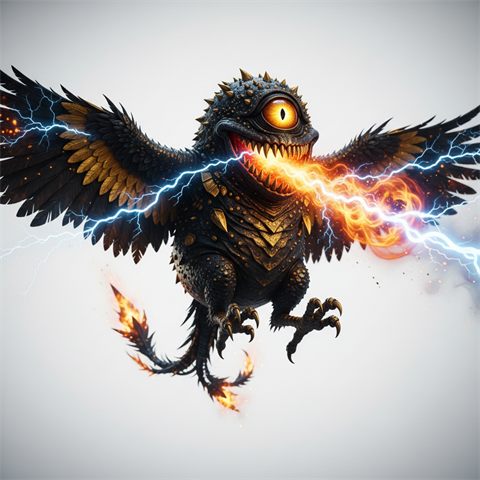
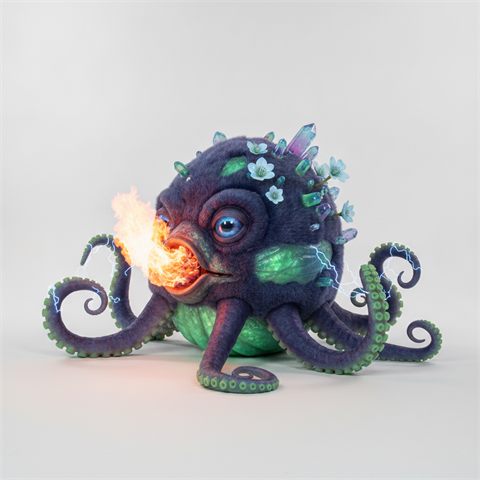
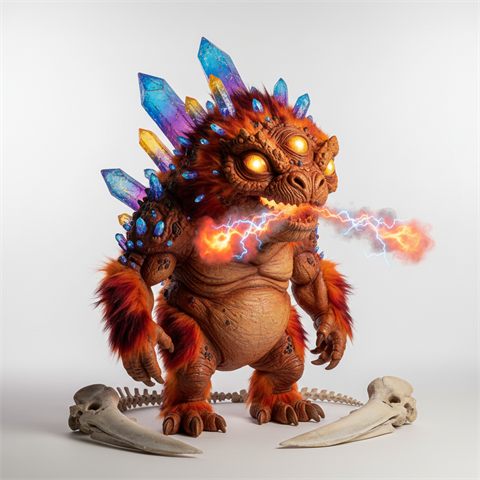
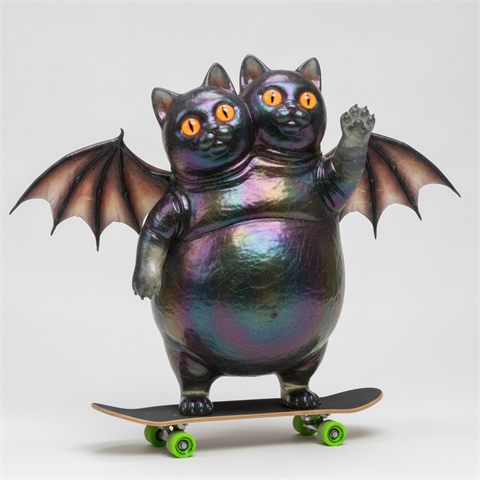
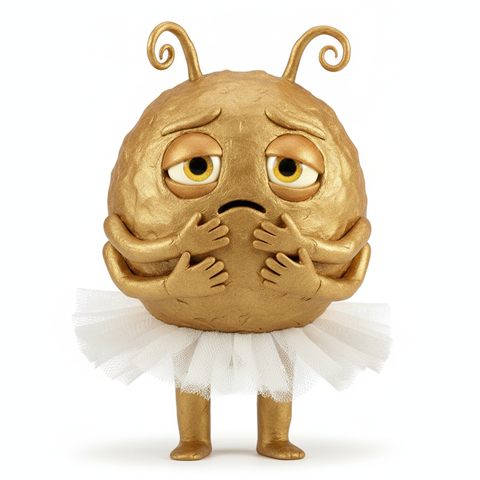
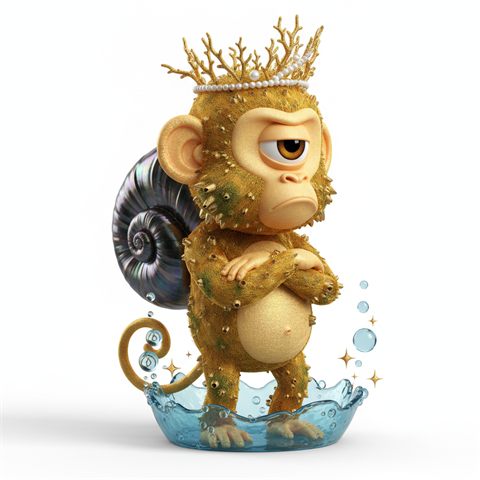
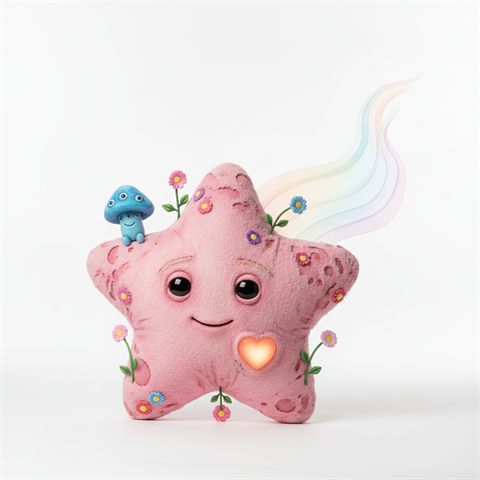
Some of the results
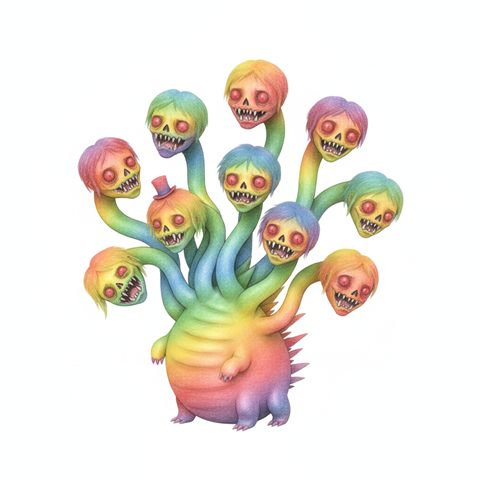
Real pictures made with Monster Maker, across the different art styles and drawing machines.
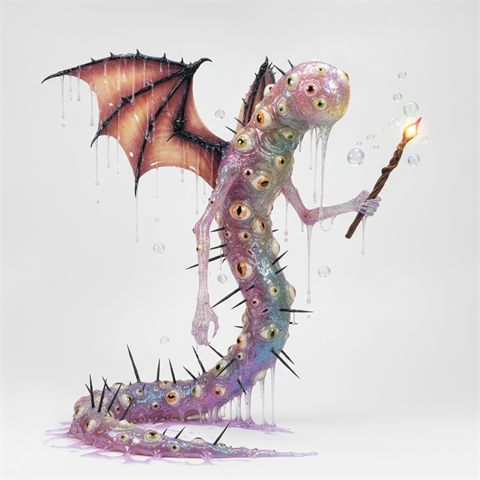
Making a monster
Buttons instead of typing
Young children don't need to spell anything. Each step is a row of big buttons with an emoji, and the idea builds up in a sentence underneath as they go.
Nine kinds of monster
Classic monsters, animals, mythical creatures, Halloween, dinosaurs, sea creatures, creepy crawlies, space and robots, and food monsters, each with its own list of types (a dragon, a kraken, a T. rex, a taco...). Or type your own: a cup, a cactus, a teapot.
What is a griffin?
Tricky words come with an info bubble that explains them in a sentence, and many have an example picture the child can tap to see bigger.
Looks, colour, eyes and extras
Choose the colour and how many eyes, then pick from about fifty "cool extras" in three groups:
- Body bits: wings, tentacles, two heads, a trunk, a shell...
- Things to wear and carry: a crown, headphones, a skateboard...
- Magic: fire breath, sparkles, a tiny friend on its shoulder...
Six art styles
Cartoon, storybook (watercolour and coloured pencil), 3D animated film, modelling clay, realistic creature design, or a real-looking photograph.
A personality
"What's it like?" adds a mood (cheeky, shy, grumpy, brave...), and an optional "Anything else?" box takes a sentence such as "it loves eating socks".
Surprise details
An optional dice adds a random body shape, pose, surface and colours, so two children choosing the same buttons still get very different monsters. It skips anything the child has already chosen.
Drawing machines
Four machines, four prices
Each "drawing machine" is a different AI image model. Better pictures cost more power, so children learn to choose.
| Machine | What it's like | New monster | Change |
|---|---|---|---|
| ✏️ Quick Doodle | Fast and cheap | 3 | 3 |
| 🖍️ Super Sketch | Better detail | 6 | 6 |
| 🎨 Mega Master | The best pictures | 9 | 9 |
| 🧙 Wild Wizard | A different art style | 9 | 12 |
Costs are in credits, which come from the family's AI image account.
Changing it
Keep going with the same monster
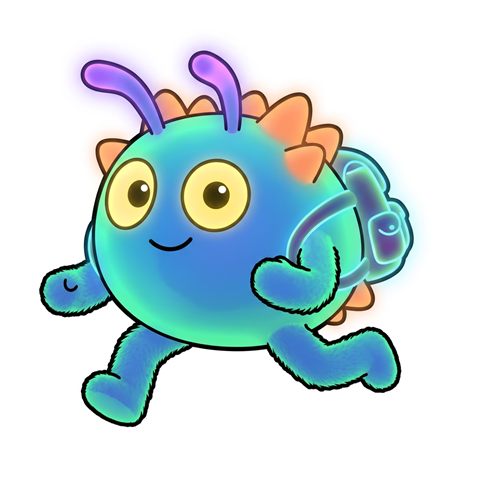
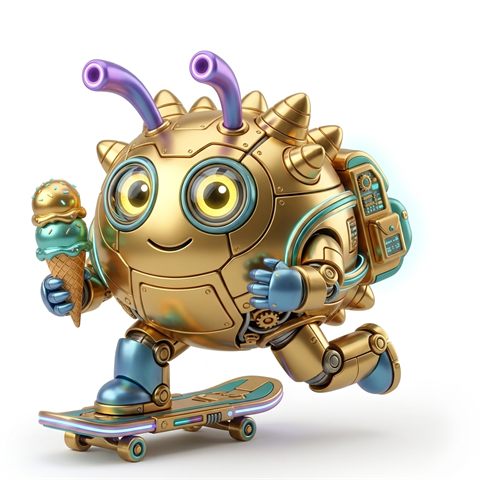
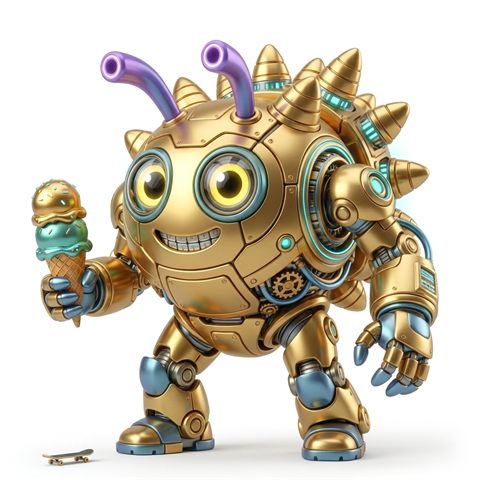
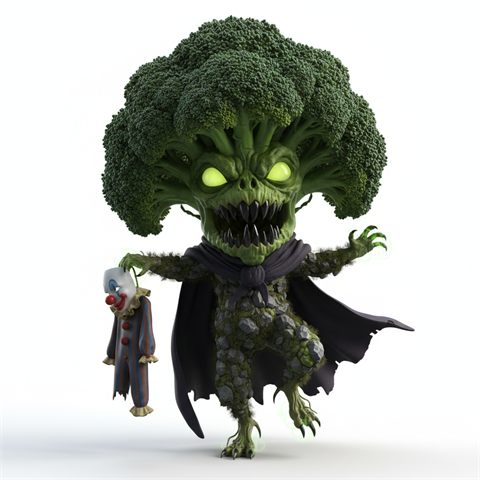
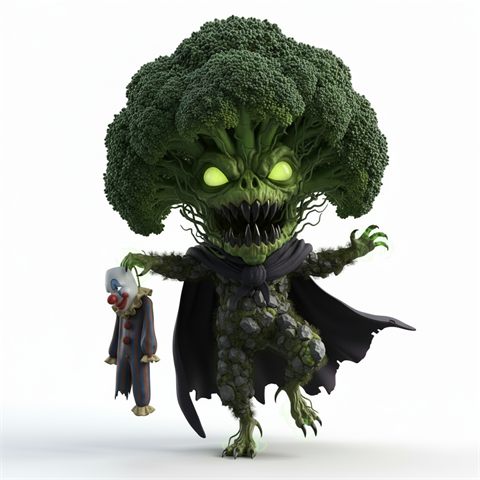
"Change it!" sends the current picture back to the drawing machine with an instruction, keeping the same character and art style unless the change asks for a new one.
Ready-made changes
Add wings or a hat, make it cuter, a baby, a robot, fluffier, laughing, or flying; switch it to a cartoon, a photo or clay; or pick a new colour. Or type the change in your own words.
Names and a collection
Children can name each monster. Everything they make is kept in "My monsters", and tapping one brings it back to work on. They can remove their own monsters too, and a grown-up can bring them back.
No secrets
Under each picture, "Exactly what we asked the drawing machine" shows the full prompt that was sent, which machine was used and what it cost.
Monster Wall
Everyone's monsters in one place
Filters that never come up empty
Filter by who made it, the kind of monster, the type, the art style, new or changed, and newest or oldest first. Each option shows how many monsters it has, so a choice never leads to an empty wall.
Pages and a big view
The wall shows 24 monsters a page and opens any picture full screen.
Credits
Limited by power, not by the number of pictures
Every picture costs real credits, so each child gets two daily budgets, shown as power meters at the top of their page.
Two daily budgets
- ✨ New monster power 18 a day
- 🪄 Change power 12 a day
Both reset at midnight. A child can spend them on lots of quick doodles or one or two of the best pictures.
Enforced by the server
The limits are checked on the server, so refreshing the page or switching to another tablet doesn't get round them. Each child can have one monster in progress at a time.
Fair when things go wrong
Credits are set aside when a picture starts and handed back if it fails. A grown-up can give bonus power for the day.
Safety
Made for children
Kid-safe prompts
Every request is wrapped in the chosen art style plus "friendly, not frightening, no blood, no gore", a plain white background and no text. A grown-up can turn the kid-safe wording off for a grown-up's profile.
Blocked words
Every idea, button choice and change is checked against a list of blocked words before anything is sent, and nothing is spent if it's blocked. It catches endings too ("gun" blocks "guns" but not "gunk"). Grown-ups edit the list and can test a sentence against it.
Keys stay private
The AI account key stays on the home computer and is never sent to the children's devices.
Grown-ups
A PIN-protected control room
The account at a glance
The live credit balance, the day the plan renews and how much the children have used since then, plus credits used today and all time.
Monster makers
Add or remove children with a name, emoji and colour. See each child's usage today, number of monsters and all-time credits, give bonus power, and set kid-safe prompts.
Recent monsters
Every request with the child's idea, the full prompt that was sent, the machine and the cost. Delete a picture, or restore one a child removed.
Prompt lab
For grown-ups to experiment: send an exact prompt with no wrapper, or start from any child's request and change it. Lab pictures stay off the children's pages and the wall.
Under the hood
Small and home-made
No dependencies
A single Node.js server with no npm packages, and plain HTML, CSS and JavaScript pages.
Runs at home
It runs on a home computer and starts when the computer does, with a watchdog that restarts it if it ever stops. Devices on the home Wi-Fi reach it by the computer's name.
AI pictures by Meshy
New monsters use Meshy's text-to-image models and changes use image-to-image, with progress shown while the egg hatches. Every result is also archived with its prompt.
A practice mode
A mock mode runs the whole app with pretend pictures and its own separate data, so changes can be tried without spending a credit.
Not publicly accessible
Monster Maker is a private family project that runs on a home network, so there is no public version to try.